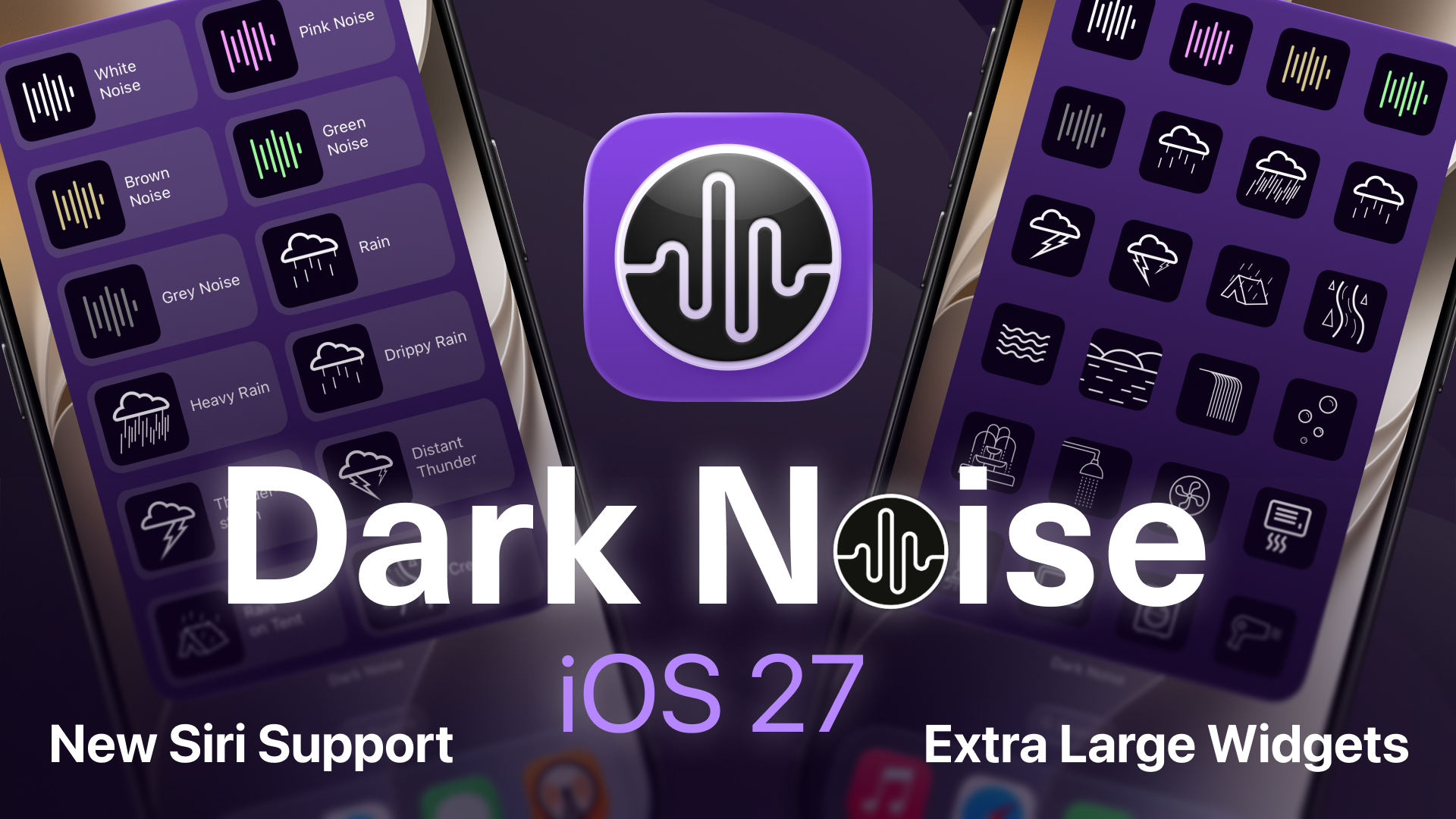
Dark Noise 3.6 brings support for iOS 27 with a new fluid, liquid glass Now Playing view, new extra large widgets on iPhone, and support for the new Siri AI with on-screen awareness. And on the Mac, Magic Mix is making its way over from iOS!
From the beginning, Dark Noise has been designed to make it easy to start an ambient soundscape and get back to your life. This update continues that goal, whether you’re opening the app, tapping a widget, or asking Siri to play a favorite sound.
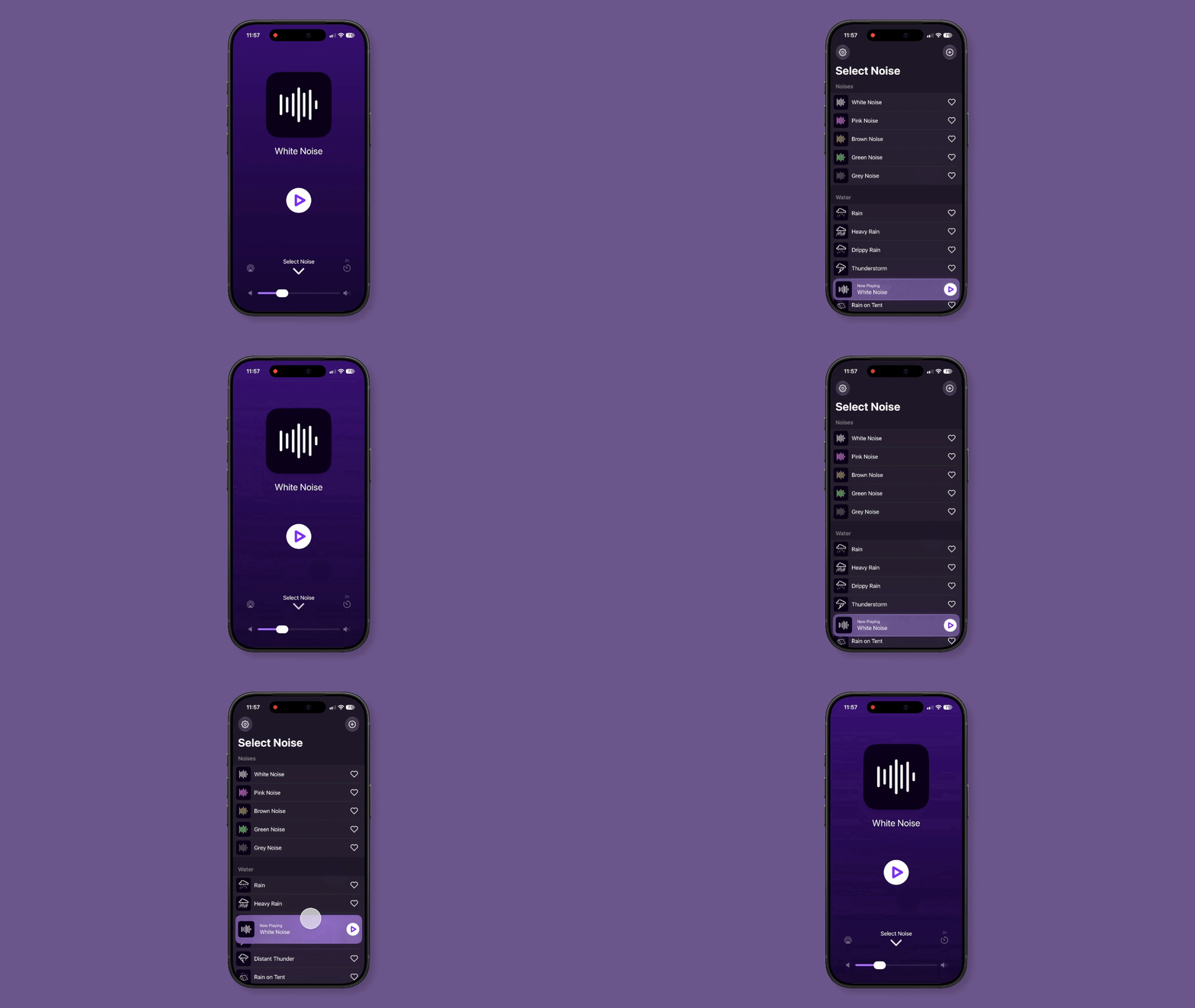
New Now Playing View
The Now Playing view has been rebuilt with a new fluid, liquid glass design. You can smoothly move between your sound library and the full player, with your sound’s animated icon front and center and quick access to playback, volume, and timer controls.
Extra Large Widgets on iPhone
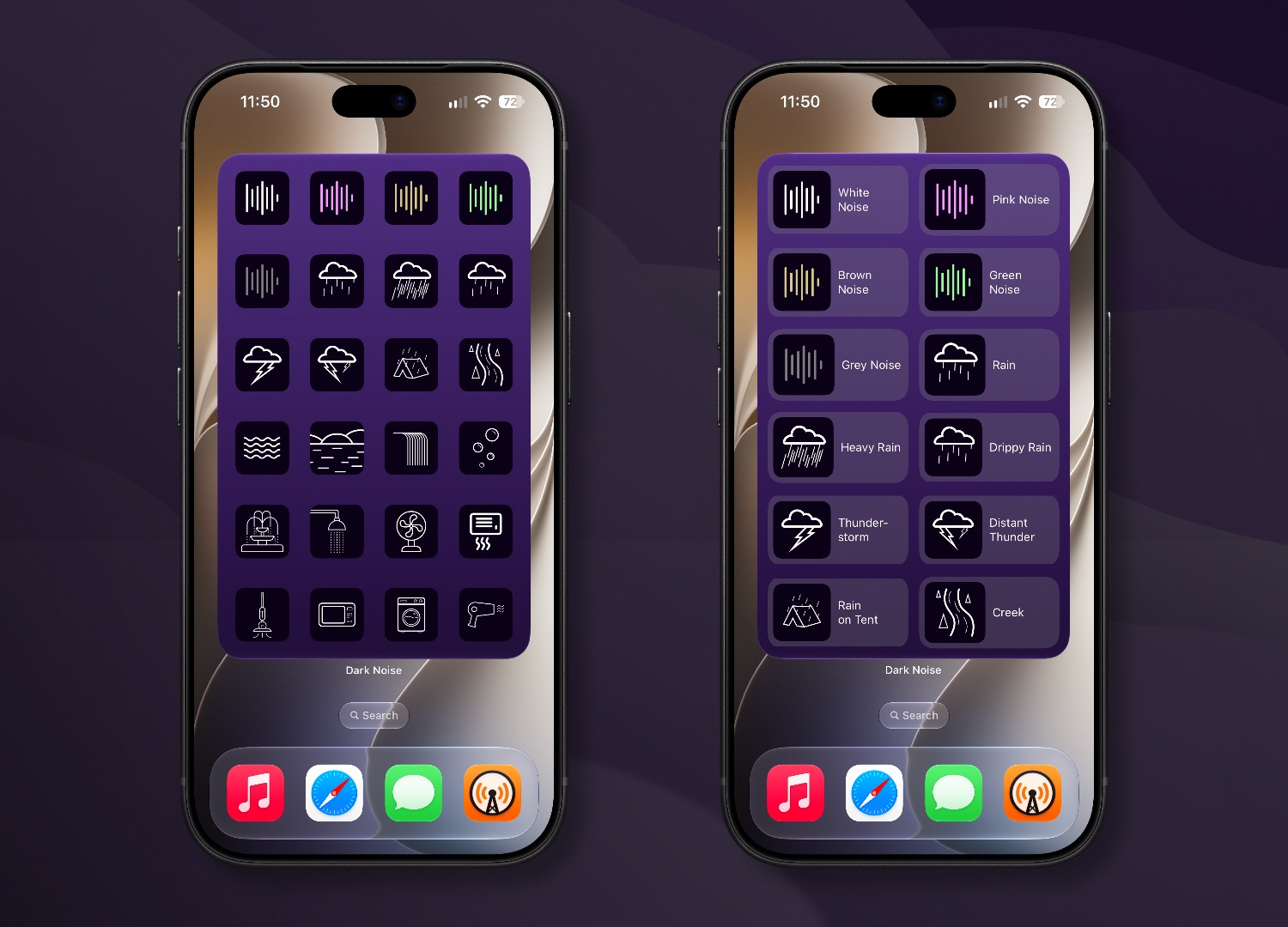
Dark Noise 3.6 adds support for the new extra large widget size on iPhone. The taller layout gives you room for even more sounds on your Home Screen, ready to start and stop with a tap without opening the app.
Siri AI
With the new Siri AI in iOS 27, you can ask for sounds more naturally. Try “Play a Water sound in Dark Noise” or “Play one of my favorites in Dark Noise” without needing to create a shortcut first.
On-screen awareness also lets you refer to what you’re looking at. You can say “Play this” to start the selected sound, or “Favorite this” to add it to your favorites without repeating its name.
Quick demo of Dark Noise with Siri AI. Watch on YouTube.
Magic Mix Comes to Mac
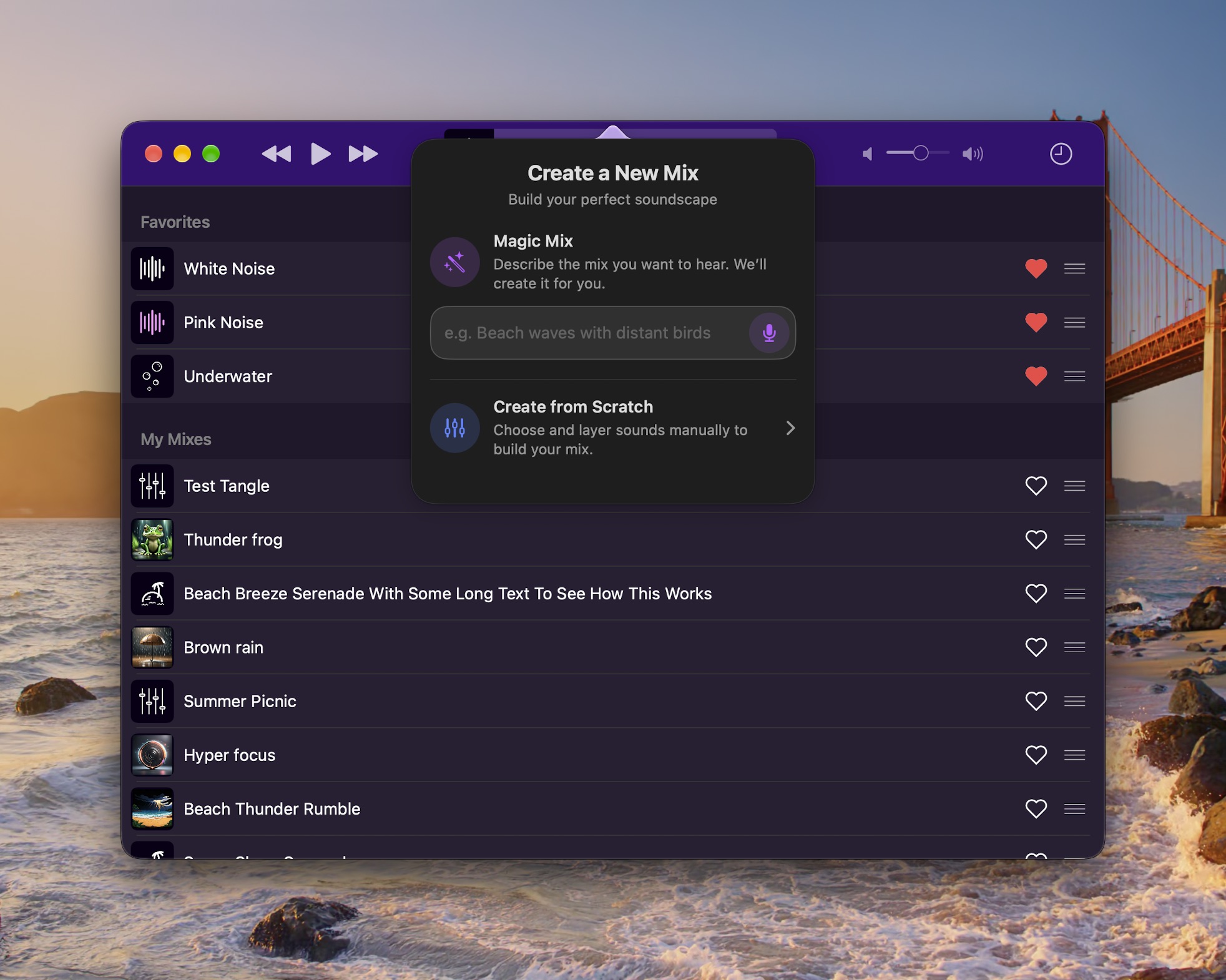
Dark Noise 3.6 for macOS brings over Magic Mix, powered by Apple Intelligence. Just describe a soundscape, like a stormy beach, and Dark Noise will create a custom mix for you. It’s the same feature introduced on iOS last year, now available on your Mac.
Available Today
Dark Noise 3.6 is available for iOS and macOS on the App Store. Screenshots and promotional material can be found in the updated press-kit.